
Scheduling and planned maintenance
Every engineer, every job, one board.
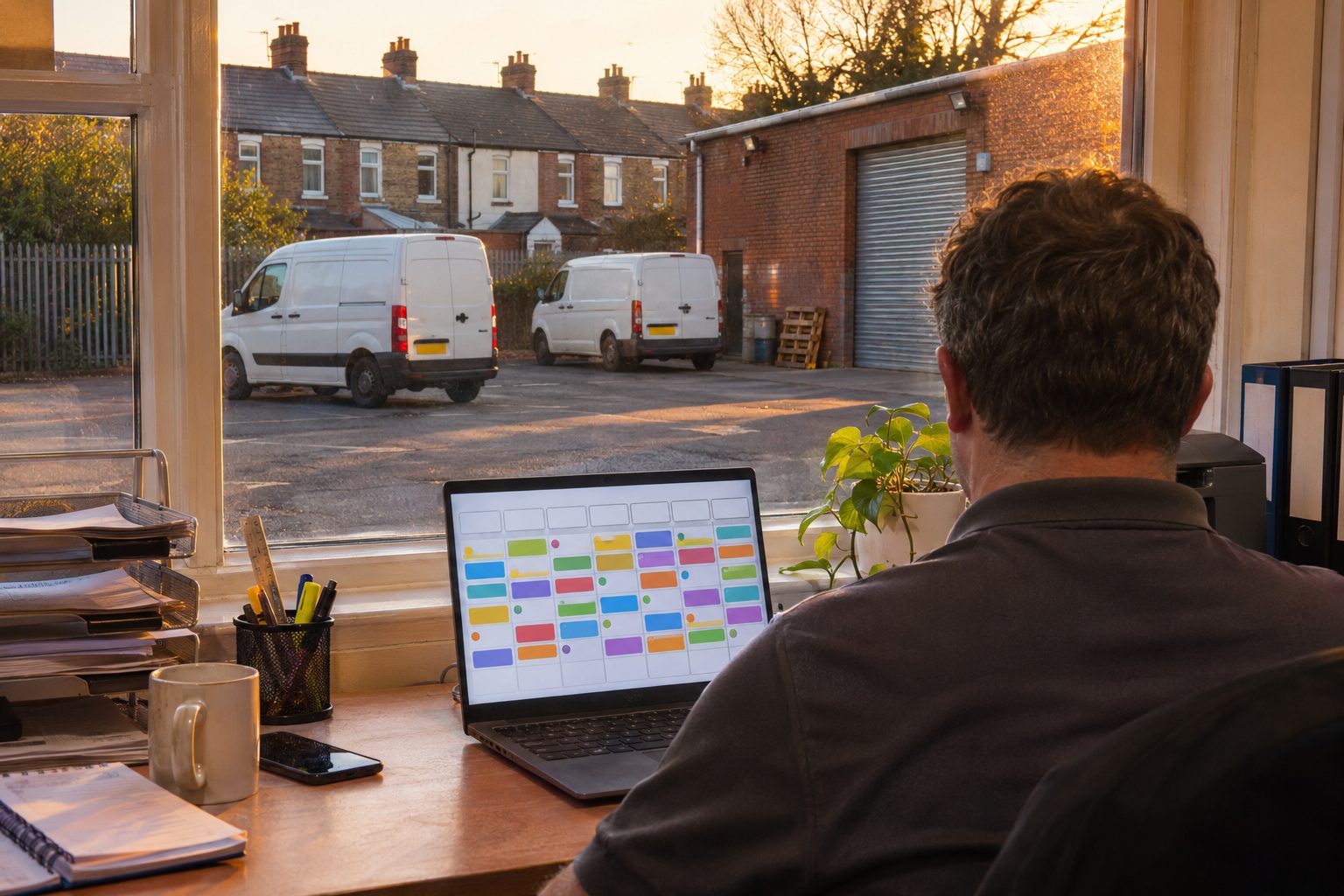
The office sees the whole week at once. Drag a job to schedule it or move it, and the engineer's phone shows the change.
The board
Drag to schedule. Drag again when the day changes.
Every engineer and every job on one screen. A job overruns, a call-out cannot wait, an engineer is off sick: move the work and everyone sees the new plan.
See the mobile appMultiple crews
Plan more than one team.
Schedule and dispatch several crews from the same board, each with its own jobs and its own week.
Pricing and the free plan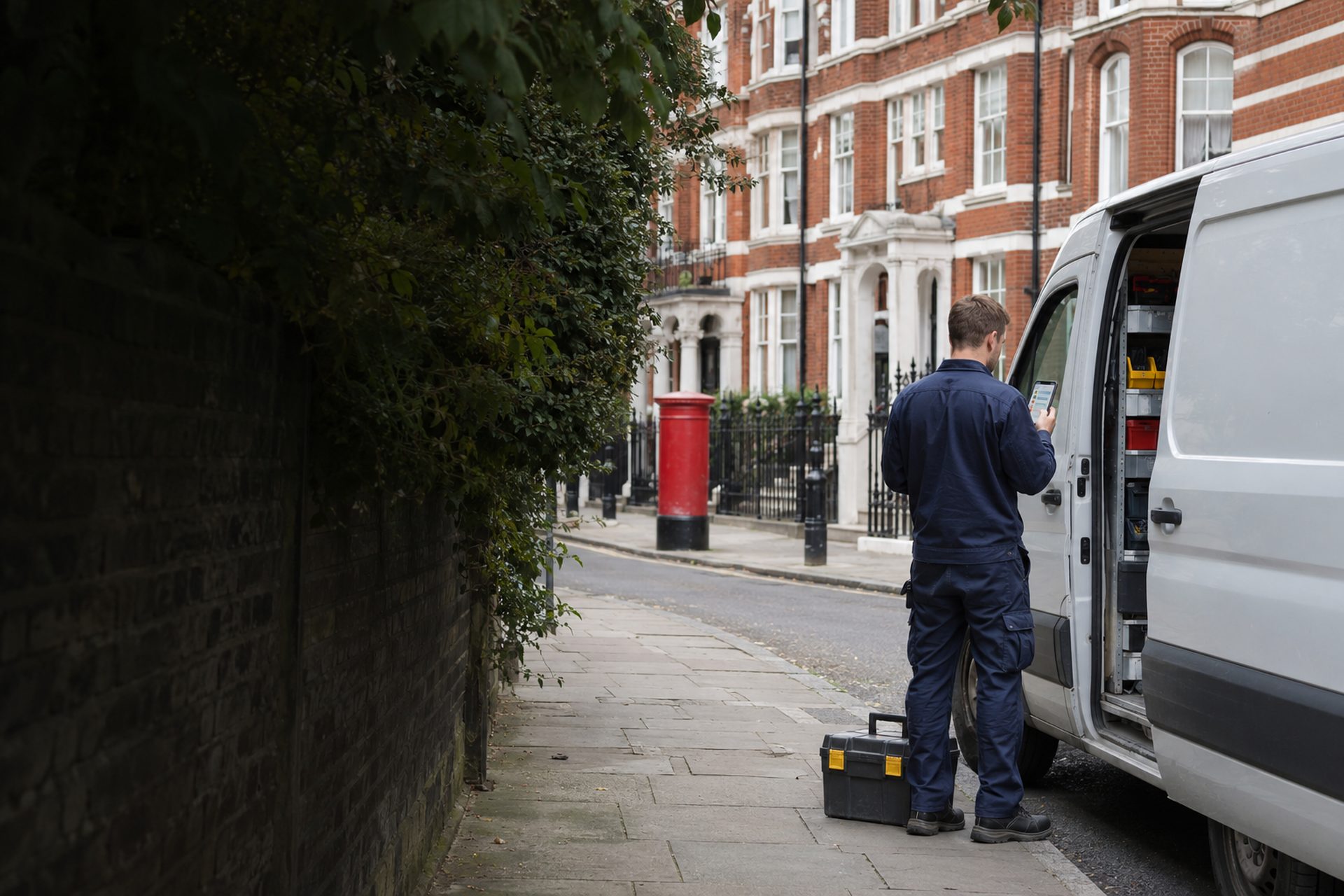
Part of the office.
The board and the planning come with the web back office, priced per person.
Planned maintenance
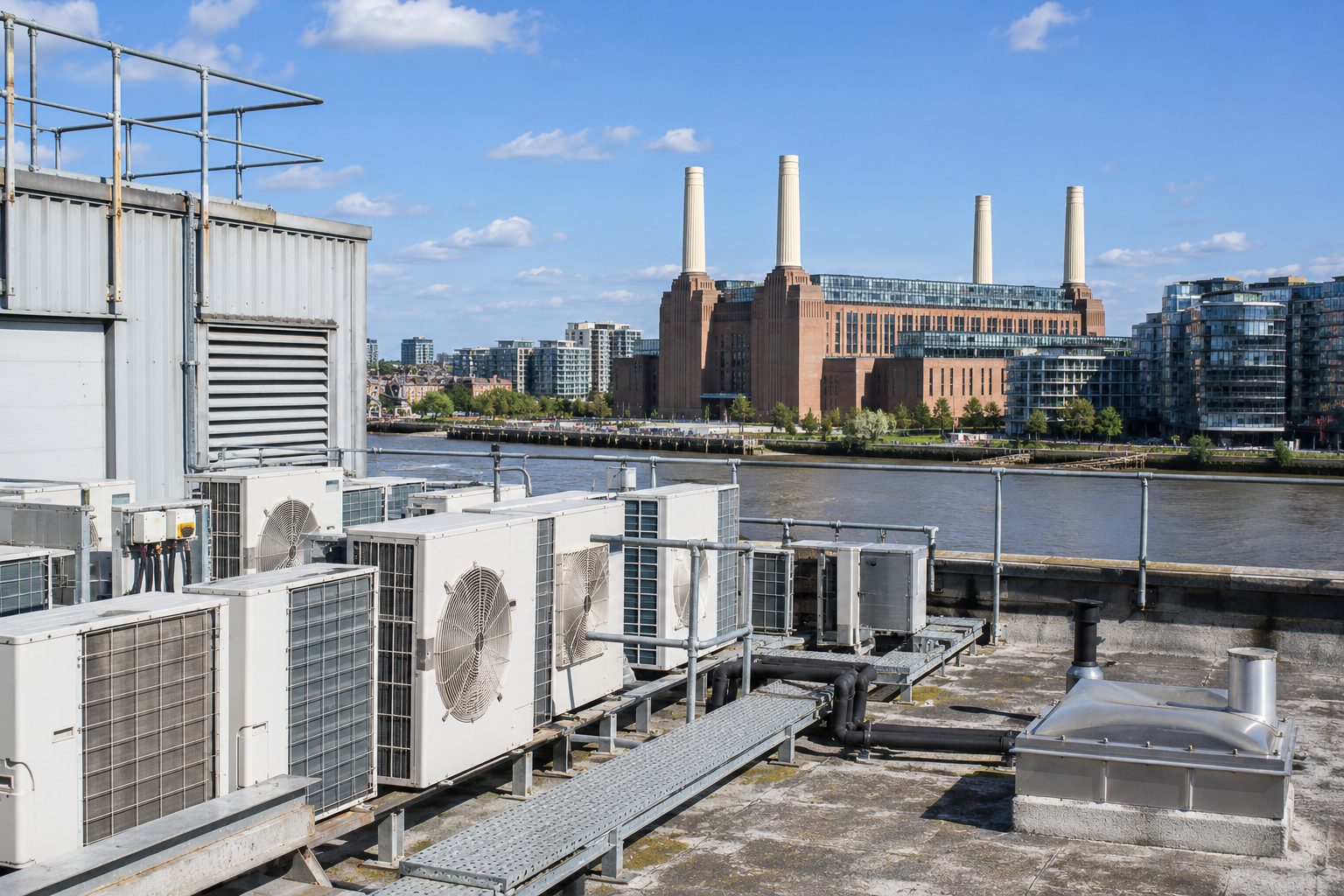
Maintenance visits appear when they are due.
Set the cycle once. The visit is raised automatically on the right cycle, with the unit's history attached, and lands on the board to be scheduled.
For HVAC and refrigerationOne visit, many units
Plan the site, not the single unit.
One visit can cover every unit at the same site, and each unit still gets its own record.
Many units, one visit
Group the units at a site into a single visit.
Return visits linked
A return visit stays linked to the original job.
History attached
Each job arrives with the unit's previous visits.
On the right cycle
Planned work falls due without anyone having to remember it.

Reports and exports
The week's work, as numbers.
Reports and exports for your customers and for your own figures, drawn from the same jobs the board scheduled.
See pricing
Nothing to migrate.
The board opens on the jobs, units and history your engineers already recorded.
Start
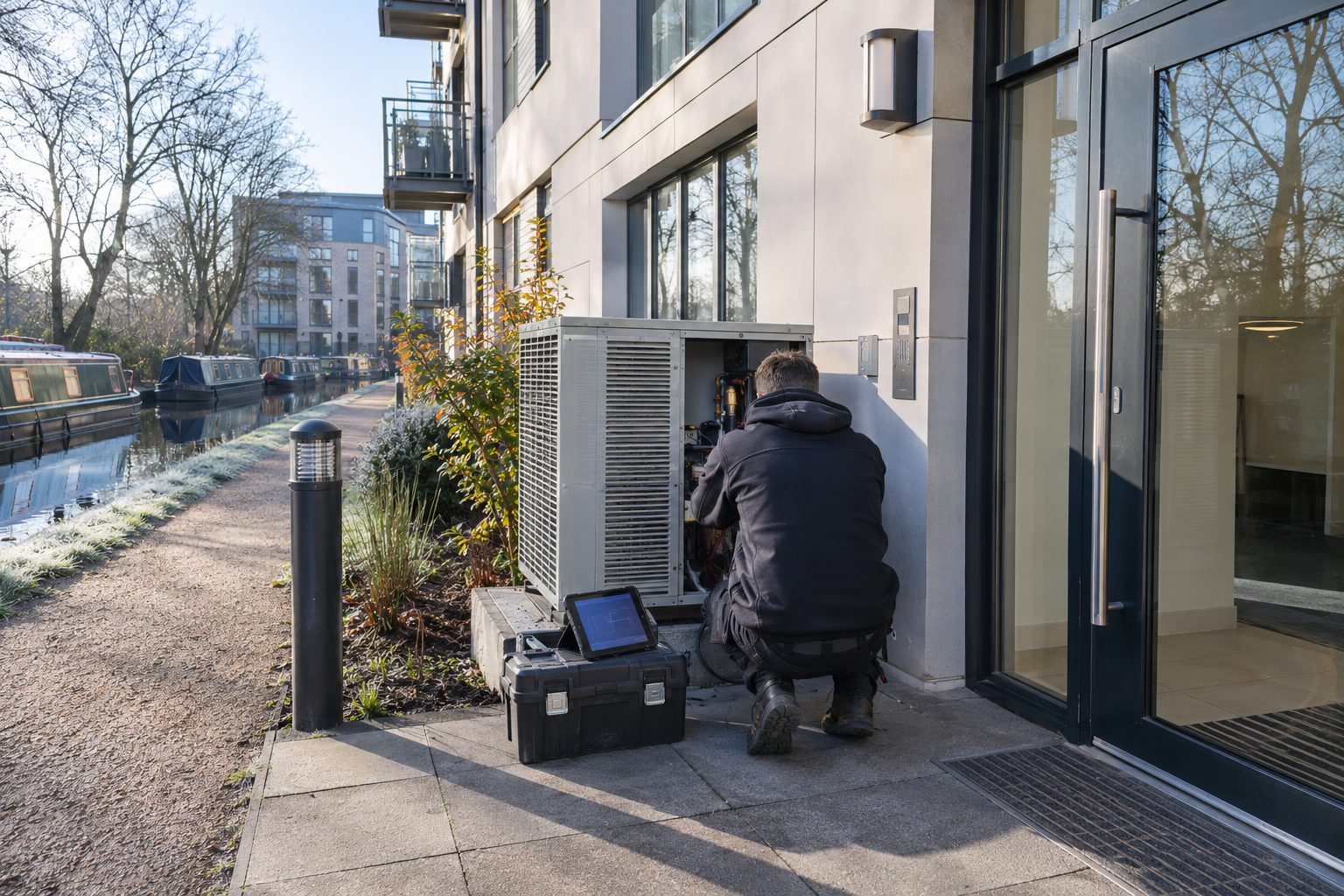
Start with the phone. Add the office when you need it.
One to four people working from phones pay nothing. The board is there when the team outgrows the phone calls.
Talk to us