For contractors
Your customer sends you a job. Here is how it reaches you.
Managers of commercial and industrial buildings, restaurant and shop chains, property managers, landlords and home owners who use FaciliTasker send their work through FaciliTime. The job arrives complete, you answer from a link, and you do not have to be a FaciliTime customer to take it.
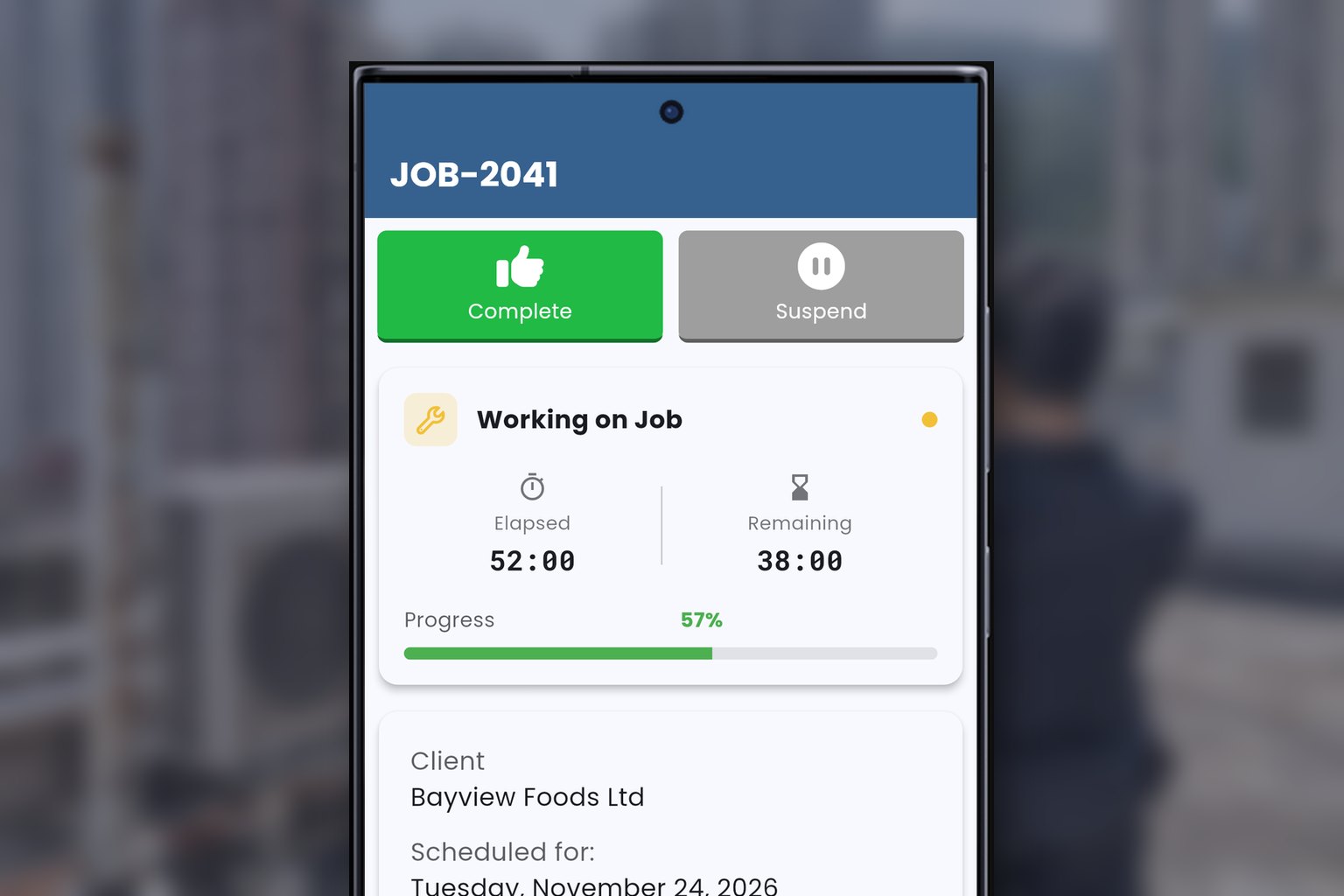
A job arrives
Four steps, starting from the link in your message.
- 01
Open the link
The job arrives by email with a link. It opens in your browser. There is no app to install and no account to create.
- 02
See the whole job
The address, the problem, photos, access notes and the equipment it concerns, in one place. Where the customer shares it, the record of earlier repairs on that equipment comes with the job, even when another company did the work.
- 03
Accept and estimate
Say yes and send your price. The customer's approval comes back to you the same way.
- 04
Do the work and close it
Record what you did, with photos. It goes straight into that site's service history, so nobody rings you for paperwork.
What it costs you
You do not have to buy anything to take a job.
Receiving, accepting and completing a job that your customer sends you does not require a FaciliTime subscription. The link in the message is all you need.
See who sent it
No account. No app. No subscription.
You answer, price and close the job from the link the customer sent.
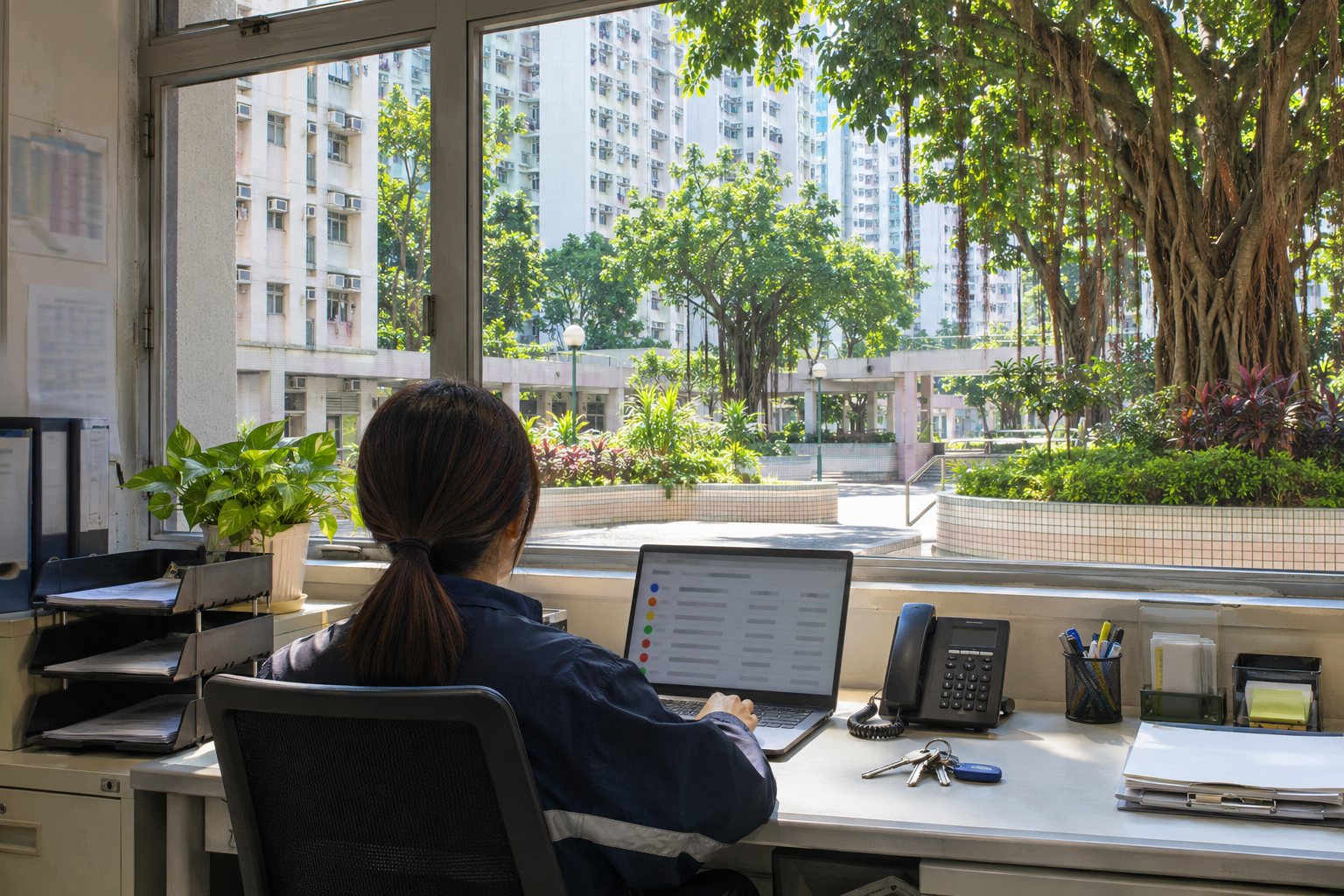
The other end of the link
Who sent it?
Whoever sent you the job, a manager of a commercial building, a restaurant or shop chain, a management company, a landlord or a home owner, uses FaciliTasker to look after their sites and equipment. FaciliTasker is where they take reports and keep the record. FaciliTime is where the work gets done.
About FaciliTaskerRun all your work this way
Jobs from your customers and your own jobs, in one place.
FaciliTime is job management software for HVAC and refrigeration contractors. If you want every job handled the way that one was, this is what it covers.
Jobs
Every job with its customer, site and history.
Scheduling
Plan who goes where, and see the day at a glance.
Photos and reports
Technicians capture the work on site, and the report builds itself.
Works with no signal
The mobile app keeps working in plant rooms and basements.